


Healthcare · Aged care · Hospice · Social & community services
Know when your healthcare and community teams are safe in the field
GetHomeSafe is a safety app and dashboard for home visits, after-hours work, rural travel, and lone work, with check-ins, live visibility, dynamic risk profiles and automatic escalation built in.
- See who's working, who's safe, and who needs help
- Missed check-ins and panic alerts escalate automatically
- Location is only visible while an activity is running
across Australia & New Zealand


across Australia & New Zealand


leaders around the world


How it works
From start to safe in four simple steps
How your people work
Your team does its best work in places you can't see
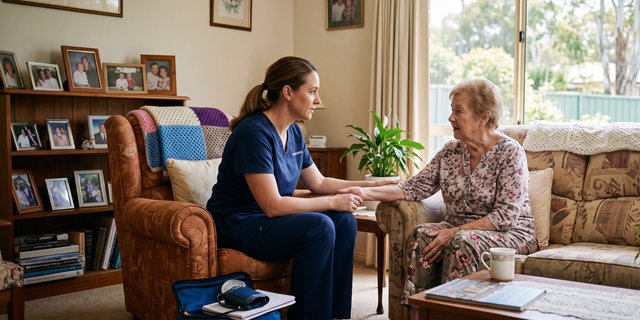
Home & community visits
Staff enter clients' homes one after another, each an unknown environment, often with no colleague nearby.
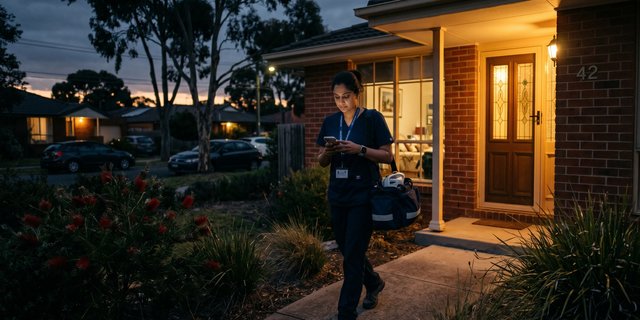
After-hours & on-call
Visits don't stop at 5pm. Late-night and weekend care happens when the office is empty and no one's watching.

Rural & travelling
Long drives, remote roads and patchy coverage mean a worker can be a long way from help when it matters most.
HOW YOUR PEOPLE WORK
Your team does its best work in places you can't see
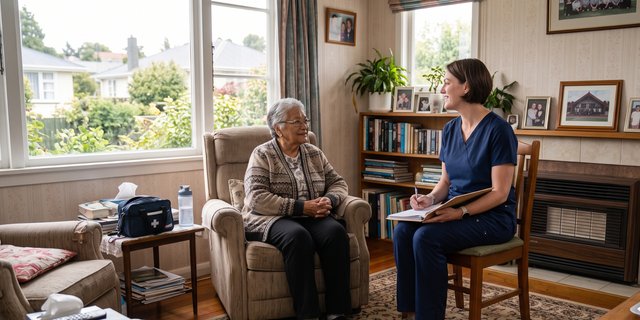
Home & community visits
Staff enter clients' homes one after another, each an unknown environment, often with no colleague nearby.
After-hours & on-call
Visits don't stop at 5pm. Late-night and weekend care happens when the office is empty and no one's watching.

Rural & travelling
Long drives, remote roads and patchy coverage mean a worker can be a long way from help when it matters most.
How your people work
Your team does its best work in places you can't see
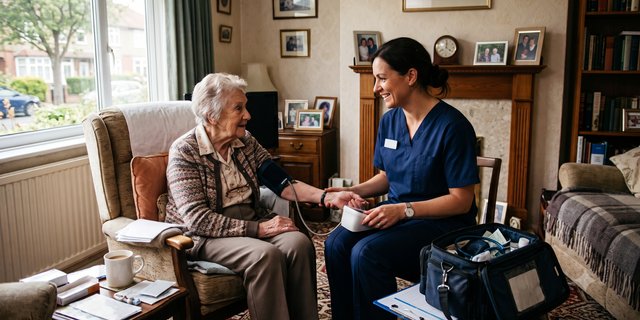
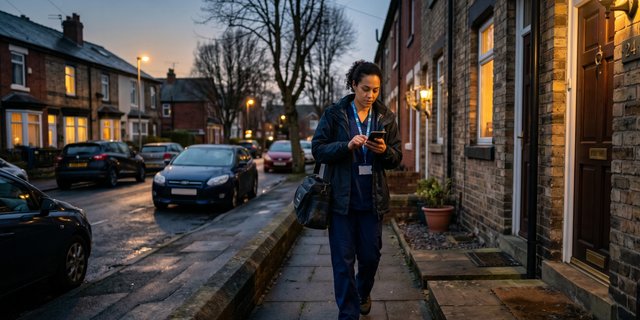
Home & community visits
Staff enter clients' homes one after another, each an unknown environment, often with no colleague nearby.
After-hours & on-call
Visits don't stop at 5pm. Late-night and weekend care happens when the office is empty and no one's watching.

Rural & travelling
Long drives, remote roads and patchy coverage mean a worker can be a long way from help when it matters most.
HOW YOUR PEOPLE WORK
Your team does its best work in places you can't see
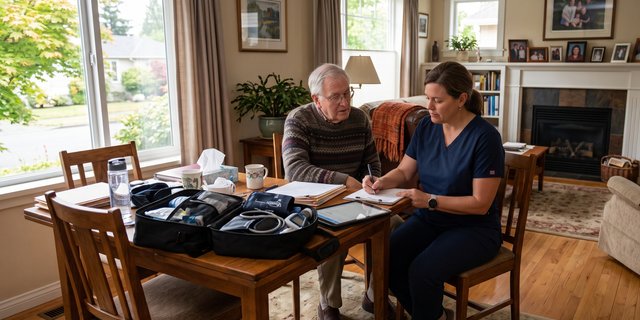
HOME & COMMUNITY
Staff enter clients' homes one after another, each an unknown environment, often with no colleague nearby.
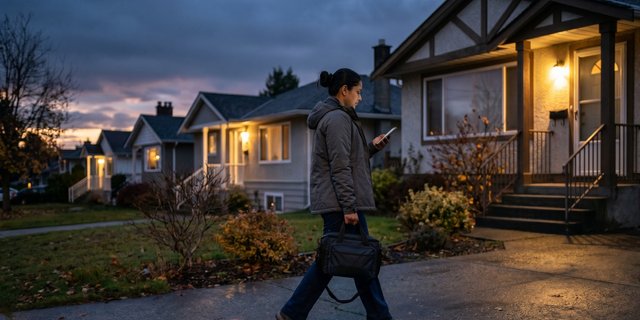
After-hours & on-call
Visits don't stop at 5pm. Late-night and weekend care happens when the office is empty and no one's watching.

Rural & travelling
Long drives, remote roads and patchy coverage mean a worker can be a long way from help when it matters most.
Why current processes fail
Your lone worker policy exists, but does it work?
Most teams are getting by on tools that were never built for safety, and that staff quietly stop using.
How gethomesafe helps
Turn your lone-worker policy into a process that actually runs.
Purpose-built for safety, not a CRM bolt-on or a vehicle tracker. It watches the clock so your managers don't have to, and only speaks up when a person needs help.
Escalate only when something's wrong
No one watches a dashboard. A missed check-in or discreet panic triggers your escalation plan on its own, the right people are notified with location, journey, and contact details.
Works wherever the job goes
One platform across home visits, remote travel, and field teams, with low-coverage and satellite-ready options built in.
Request a quote, or book a demo for a tailored walkthrough.
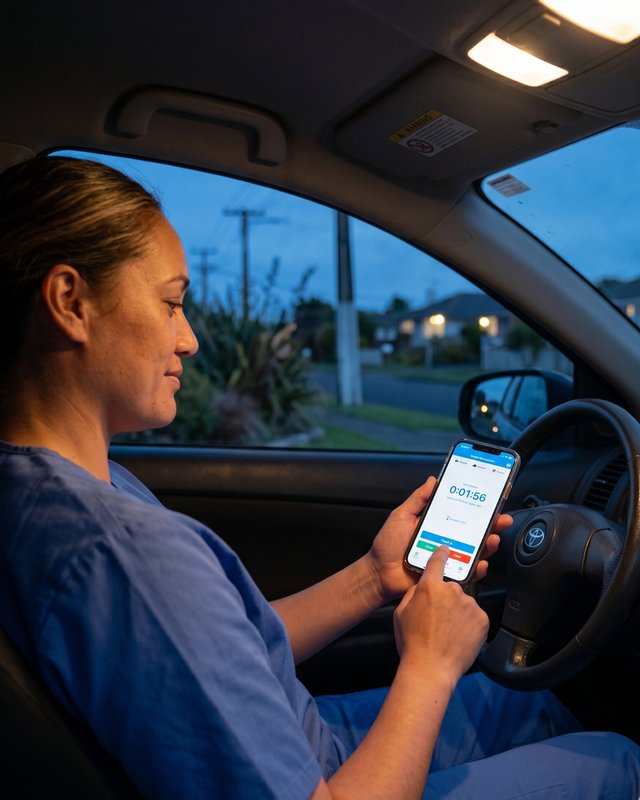
Example workflow
One after-hours visit, start to finish.
Here's how a single home visit runs, most of it invisible to managers, by design.
The 5 steps
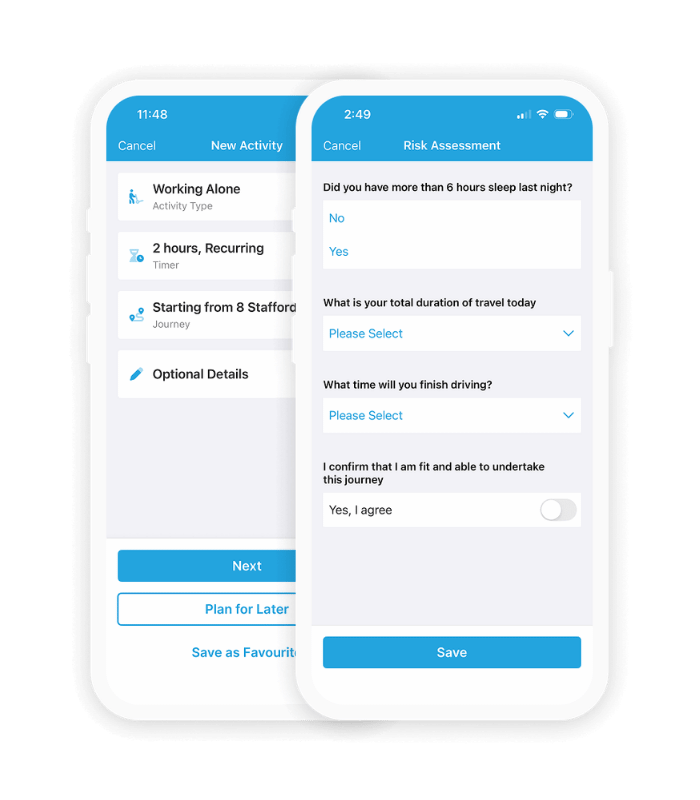
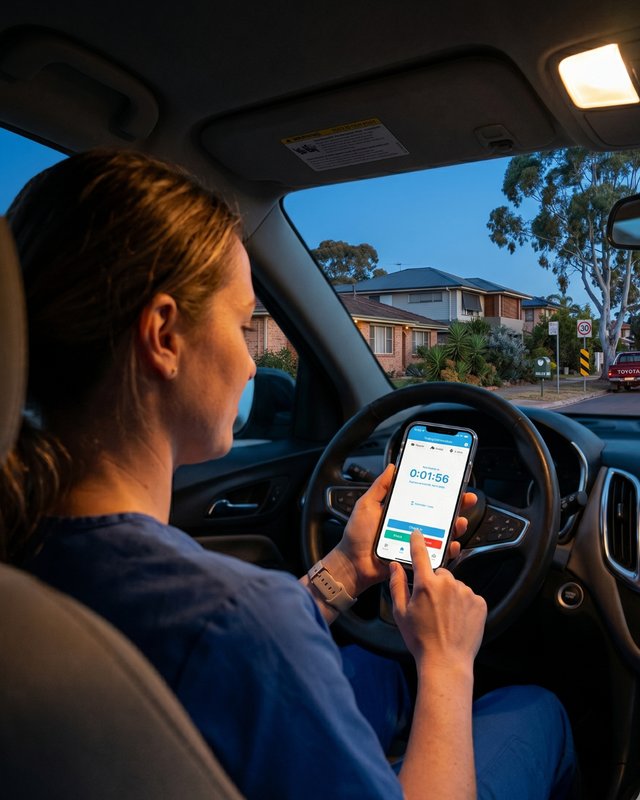
- Before — start the visit. The worker opens the app, starts a visit timer for her call and notes the address and any risk flag.
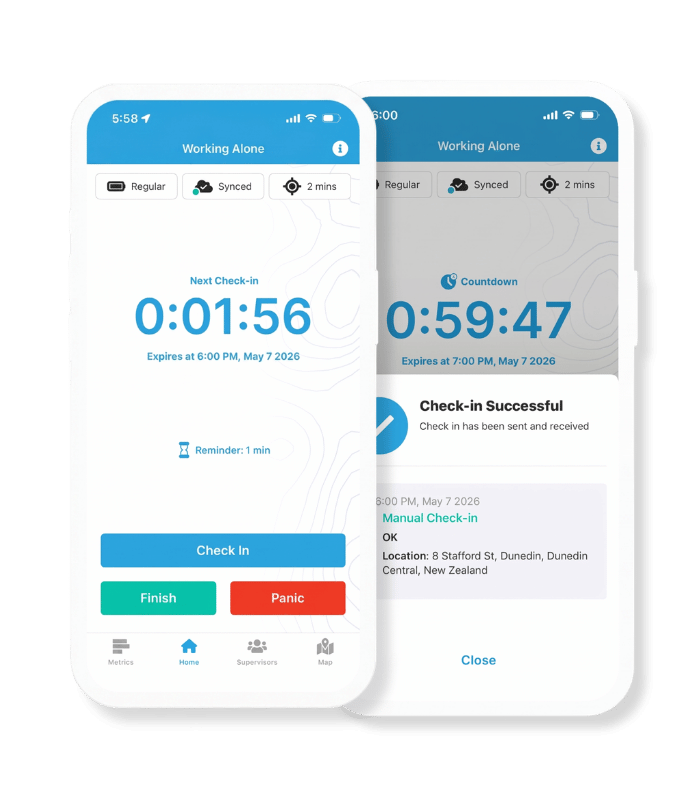
- During — get on with the job. A quick check-in confirms she's fine. If the visit runs long, she extends the timer in a tap, no need to message anyone.
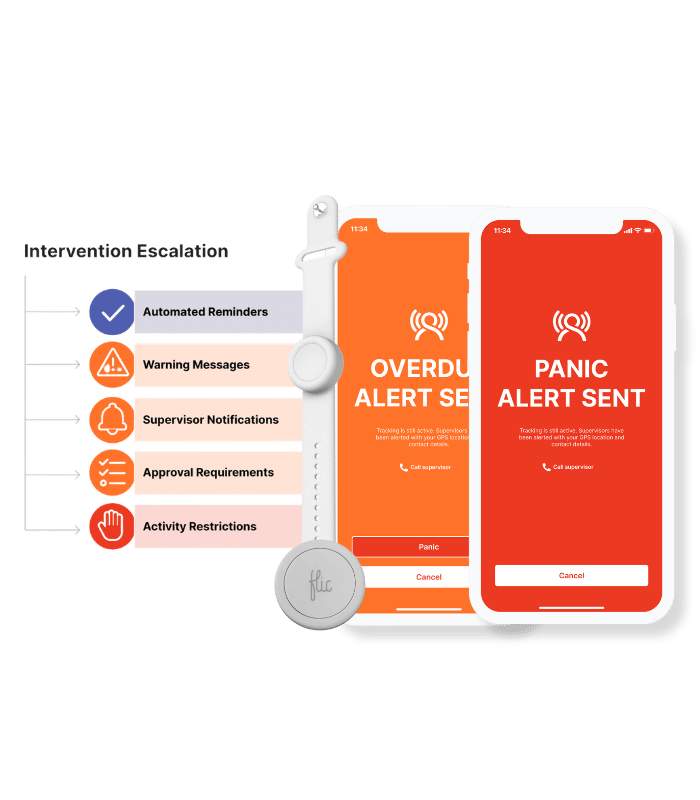
- If something's wrong — it escalates itself. A missed check-in or a discreet panic instantly triggers your escalation plan. No one had to be watching a dashboard.
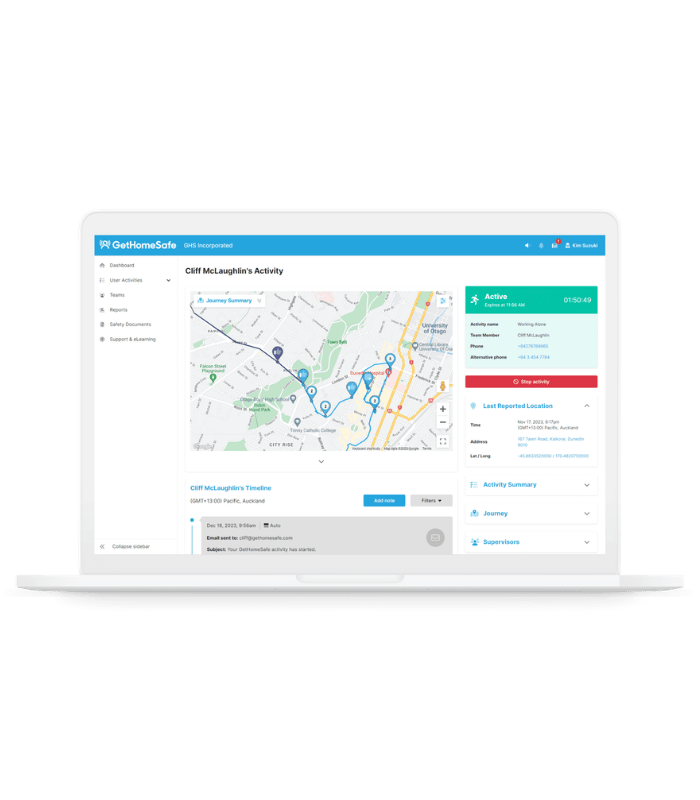
- Response — the right person, the full picture. Your nominated responder gets the alert with the workers live location, journey and contact details, and follows your follow-up process.
- Check-out — logged automatically. The worker ends the visit; it's recorded as a clean audit trail for H&S, with no extra forms to fill in.
Want to see how this works for your team?
Trusted by 500+ organisations globally
Example Workflow
One after-hours visit, start to finish.
Here's how a single home visit runs, most of it invisible to managers, by design.
The 5 steps
- Before — start the visit. The worker opens the app, starts a visit timer for her call and notes the address and any risk flag.
- During — get on with the job. A quick check-in confirms she's fine. If the visit runs long, she extends the timer in a tap, no need to message anyone.
- If something's wrong — it escalates itself. A missed check-in or a discreet panic instantly triggers your escalation plan. No one had to be watching a dashboard.
- Response — the right person, the full picture. Your nominated responder gets the alert with the workers live location, journey and contact details, and follows your follow-up process.
- Check-out — logged automatically. The worker ends the visit; it's recorded as a clean audit trail for H&S, with no extra forms to fill in.
Want to see how this works for your team?
Trusted by 500+ organisations globally
Example Workflow
One after-hours visit, start to finish.
Here's how a single home visit runs, most of it invisible to managers, by design.
The 5 steps
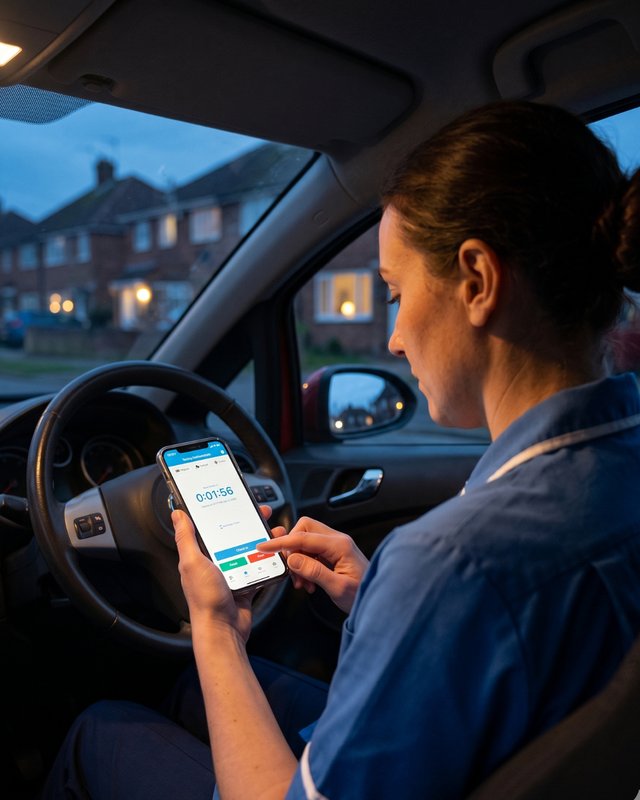
- Before — start the visit. The worker opens the app, starts a visit timer for her call and notes the address and any risk flag.
- During — get on with the job. A quick check-in confirms she's fine. If the visit runs long, she extends the timer in a tap, no need to message anyone.
- If something's wrong — it escalates itself. A missed check-in or a discreet panic instantly triggers your escalation plan. No one had to be watching a dashboard.
- Response — the right person, the full picture. Your nominated responder gets the alert with the workers live location, journey and contact details, and follows your follow-up process.
- Check-out — logged automatically. The worker ends the visit; it's recorded as a clean audit trail for H&S, with no extra forms to fill in.
Want to see how this works for your team?
Trusted by 500+ organisations globally
Example Workflow
One after-hours visit, start to finish.
Here's how a single home visit runs, most of it invisible to managers, by design.
The 5 steps
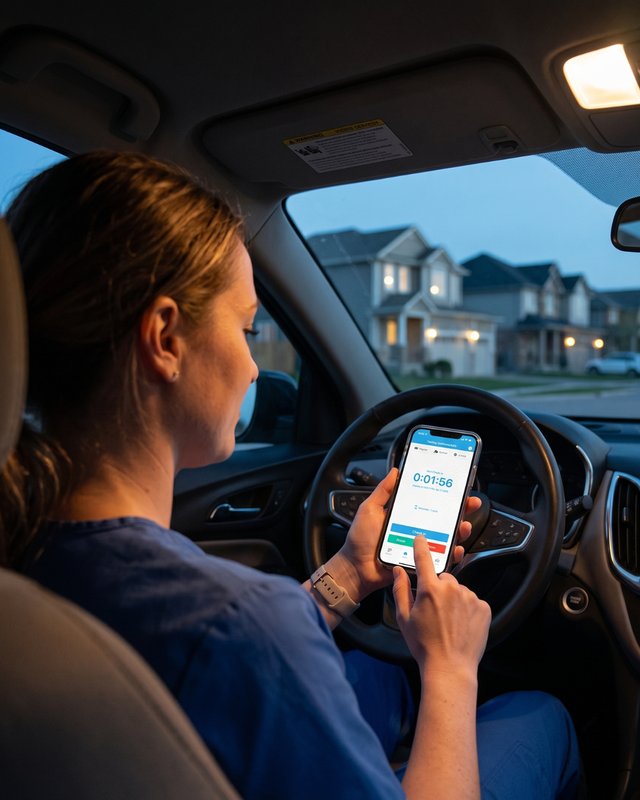
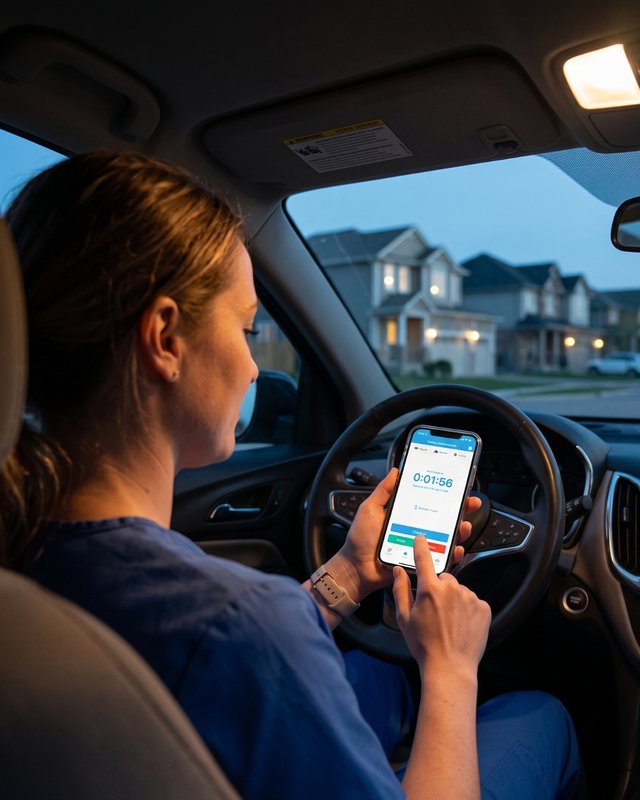
- Before — start the visit. The worker opens the app, starts a visit timer for her call and notes the address and any risk flag.
- During — get on with the job. A quick check-in confirms she's fine. If the visit runs long, she extends the timer in a tap, no need to message anyone.
- If something's wrong — it escalates itself. A missed check-in or a discreet panic instantly triggers your escalation plan. No one had to be watching a dashboard.
- Response — the right person, the full picture. Your nominated responder gets the alert with the workers live location, journey and contact details, and follows your follow-up process.
- Check-out — logged automatically. The worker ends the visit; it's recorded as a clean audit trail for H&S, with no extra forms to fill in.
Want to see how this works for your team?
Trusted by 500+ organizations globally
2.7M+
1.3M+
10M+
Common questions
The questions healthcare & community teams ask us
No. That's the point. The system runs quietly in the background and only speaks up when something's wrong, alerting your nominated responder when a check-in is missed or a worker raises an alarm.
No. Location is session-based and controlled by the worker, it's shared while a visit is running, not monitored around the clock. When the activity ends, location visibility ends too, it's built for safety, not surveillance.
Workers in patchy or remote areas can stay covered with SMS updates, satellite-to-mobile, and integrations with Zoleo, Garmin and SPOT. The app caches activity offline and prompts to reconnect.
It's built for engagement, a fast, discreet check-in rather than a clunky form. That's the difference between a policy on paper and a process people follow on every visit.
Yes. Check-in rules, risk assessments and escalation steps are configurable to your policy, with AD / SSO and reporting so it slots into how your organisation already operates.
Yes, monitoring and escalation run automatically outside office hours, so late-night and on-call visits are covered without anyone needing to be at a desk.
Ready to keep your people safe?
Book a demo to see GetHomeSafe in action, or contact us if you have any questions
Not ready yet? Download the free safety checklist →