


 Protect your remote workers with GetHomeSafe.
GetHomeSafe is a workplace safety platform that helps organisations meet their duty of care to lone, remote, and field workers. Through automated check-ins, real-time location tracking, journey management, and SOS alerting, every worker can get home safely from every shift. Trusted across New Zealand, Australia, Canada, the UK, and the US.

across Australia & New Zealand





across Australia & New Zealand





leaders around the world





You can’t be everywhere,
but GetHomeSafe can.
Every day, thousands of remote and lone workers use GetHomeSafe to check in, share their location, and stay connected with their teams.
2.7M+
1.3M+
10M+
See how it works.
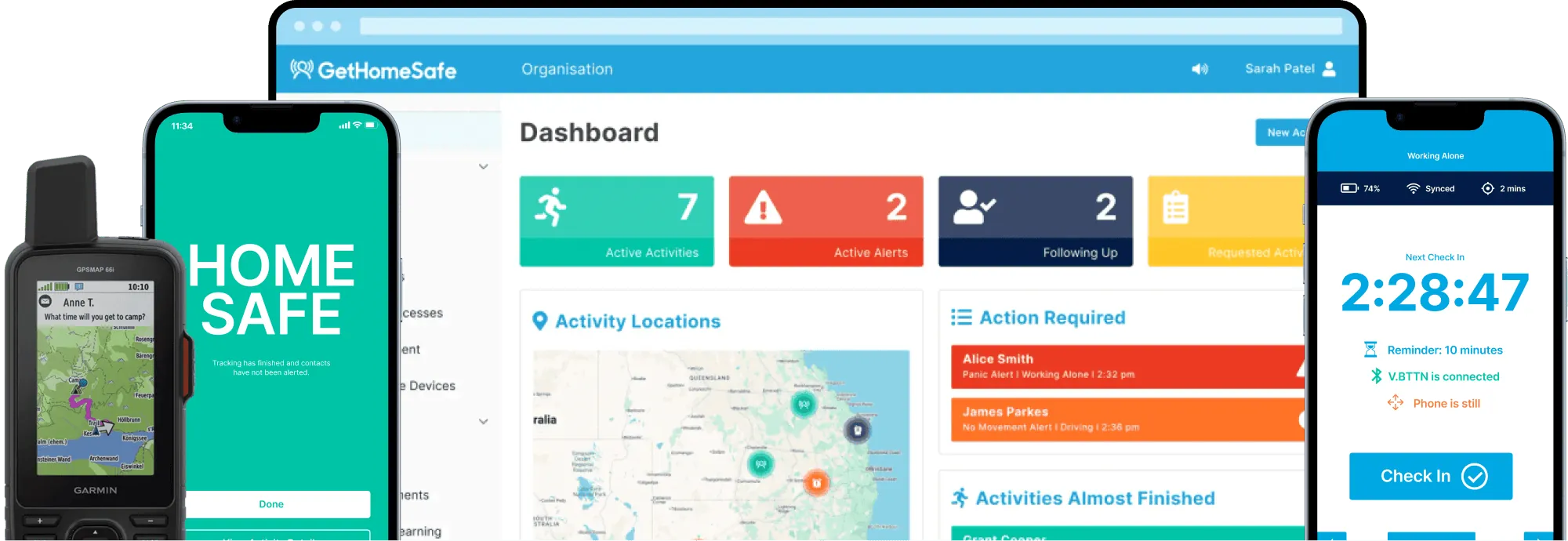
GetHomeSafe replaces manual check-ins with automated visibility, alerts, and peace of mind.

Watch the 2 minute demo
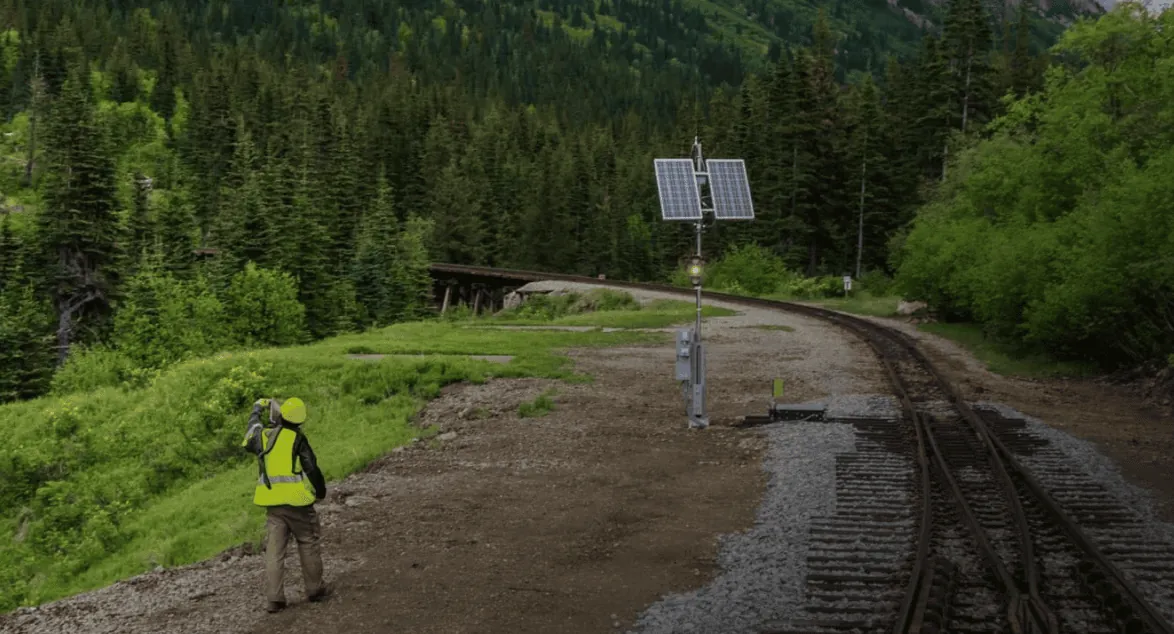
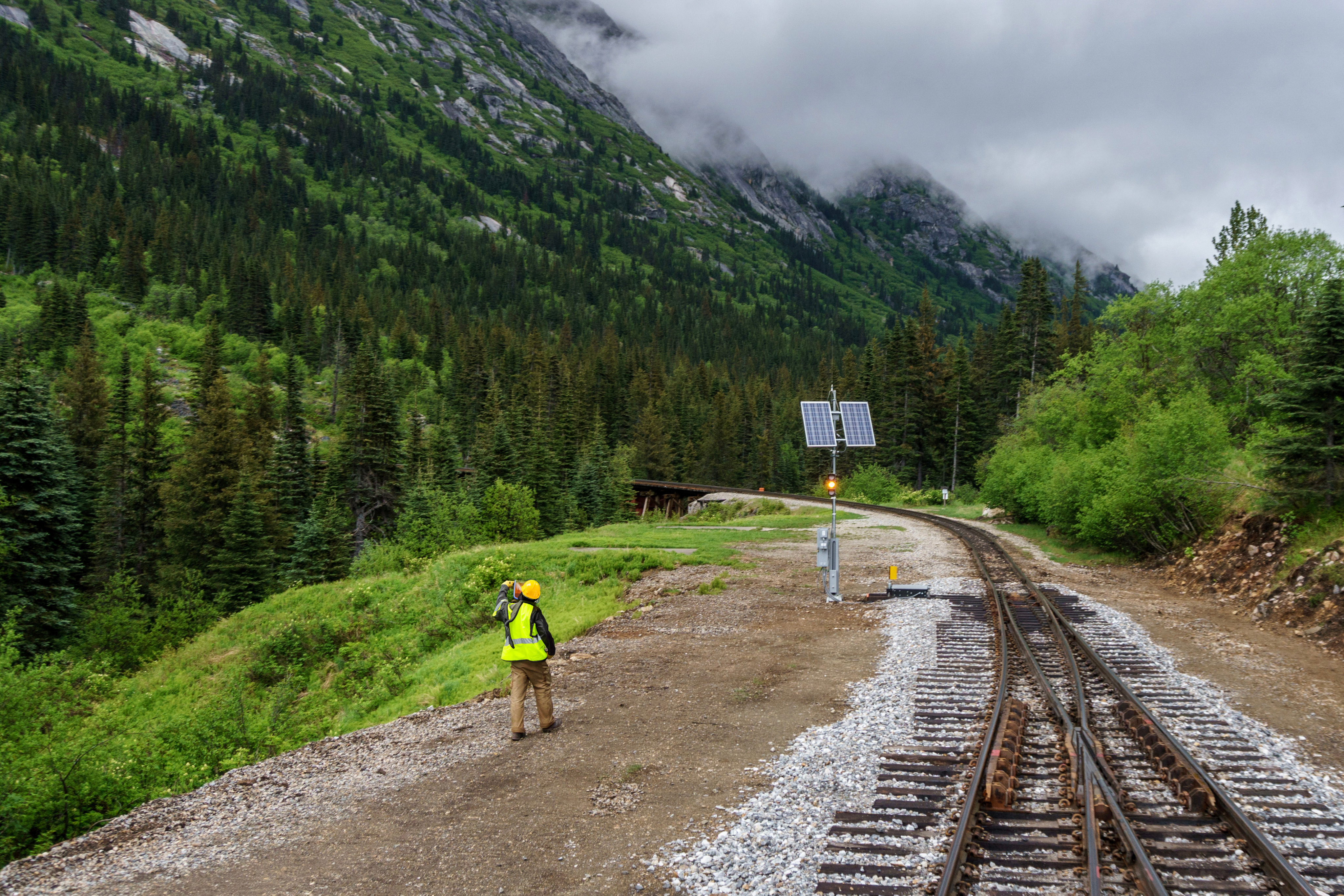
Built for teams who work beyond the office
With solutions for all types of remote working, your team can get home safe - no matter where the job takes them.
Choose your industry


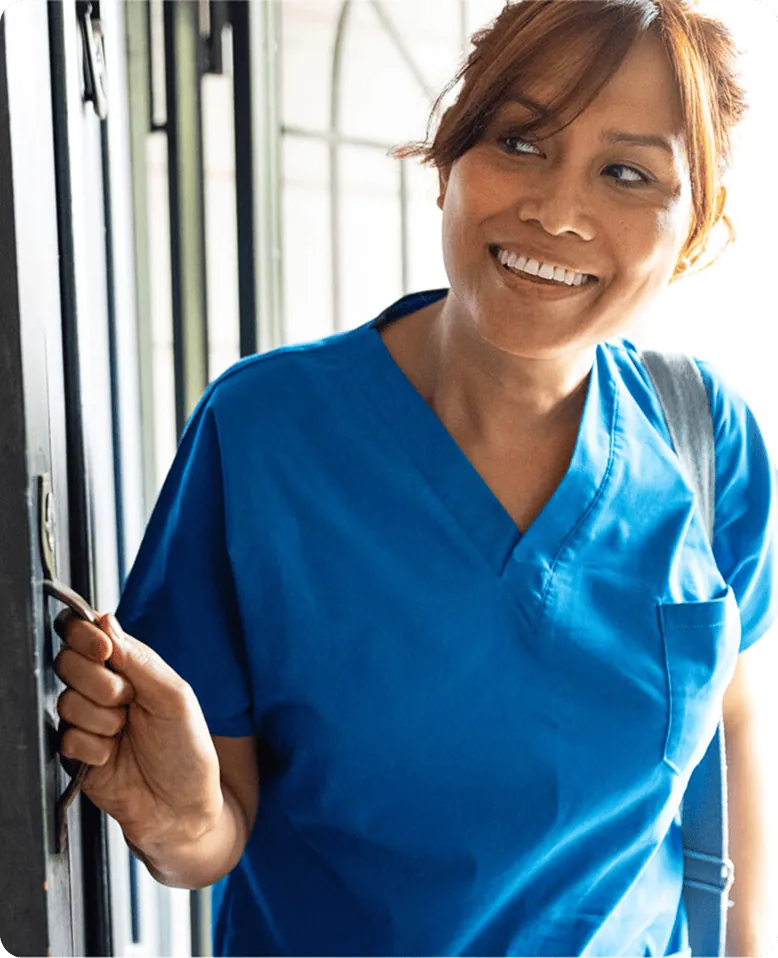
"GetHomeSafe definitely improves safety for our care professionals, and is easily demonstrated to the regulator as well."
Radfield Home Care
United Kingdom
Smart tools for safer, more connected teams.
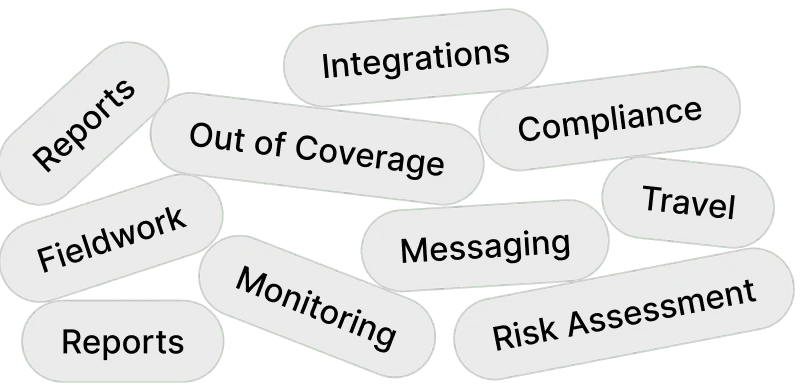
All your safety tools, connected and automated - so your team stays safe, compliant, and in control. All features 
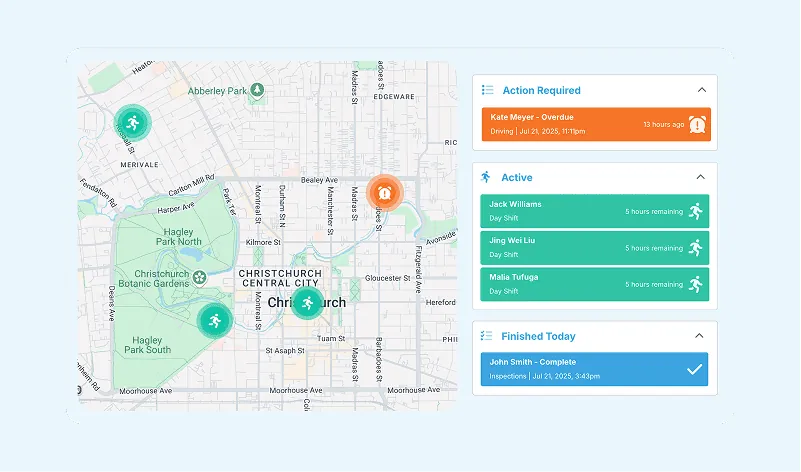
Monitoring teams
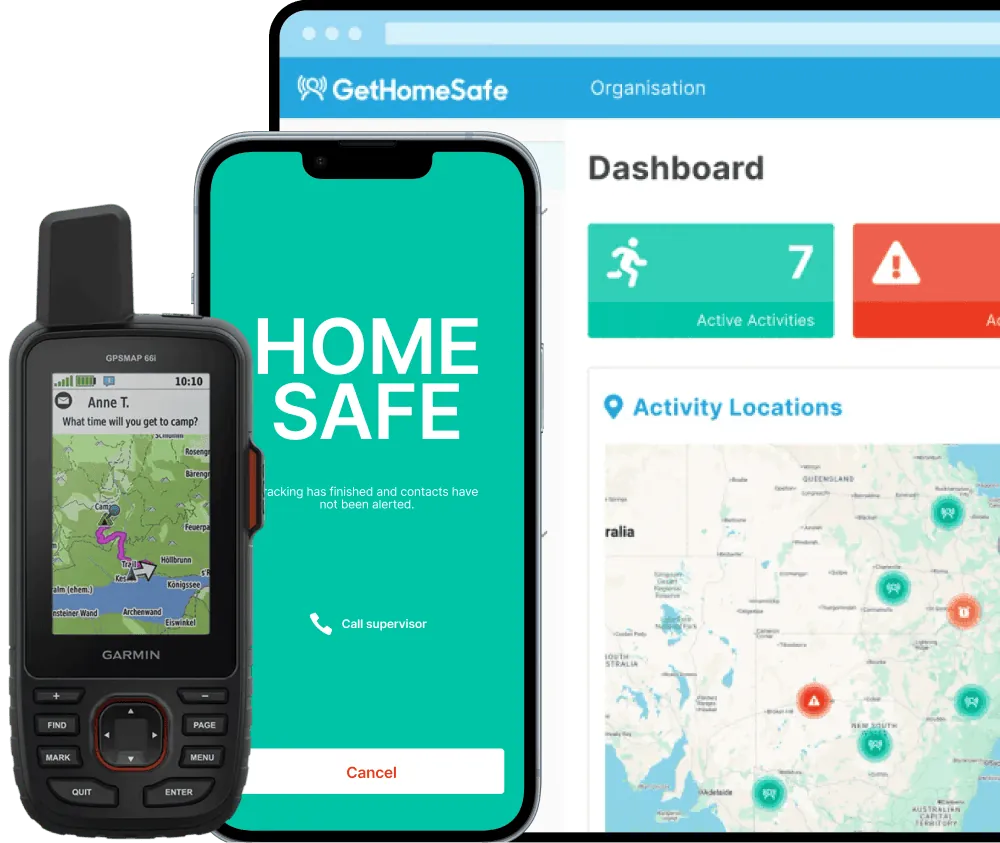
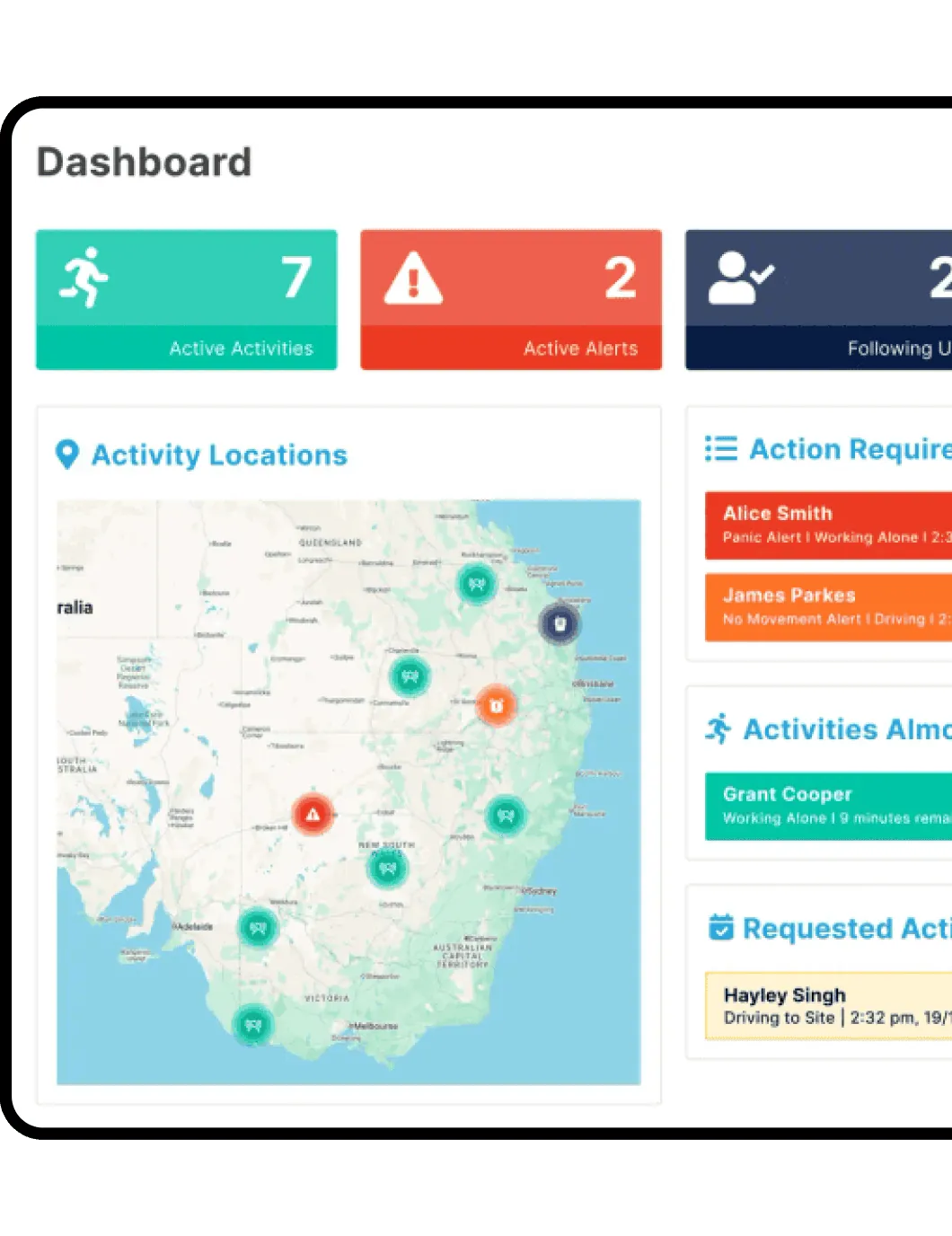
Track every activity in real time - all from one dashboard.
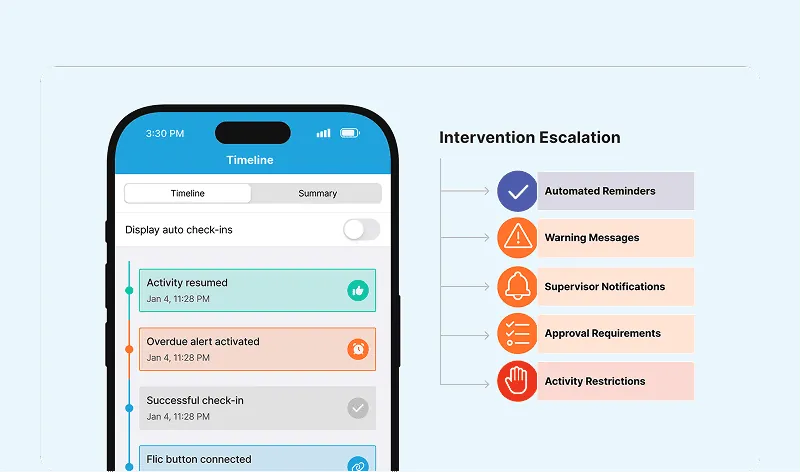
Manage workflows
Plan, approve, and track field work without spreadsheets or manual chasing.
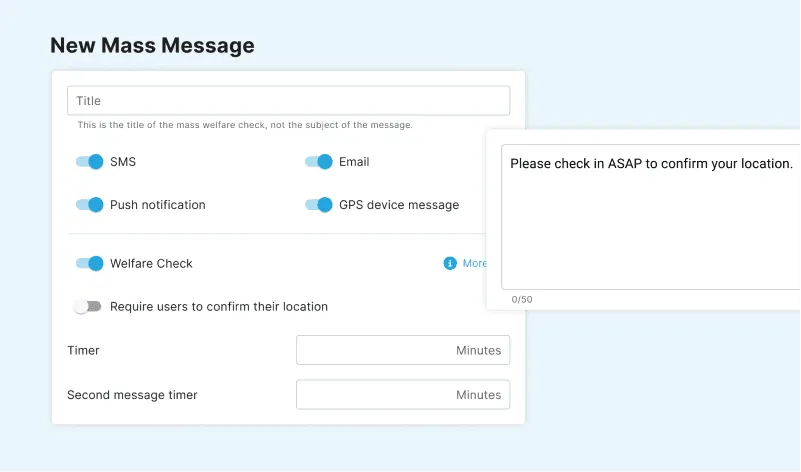
Message instantly
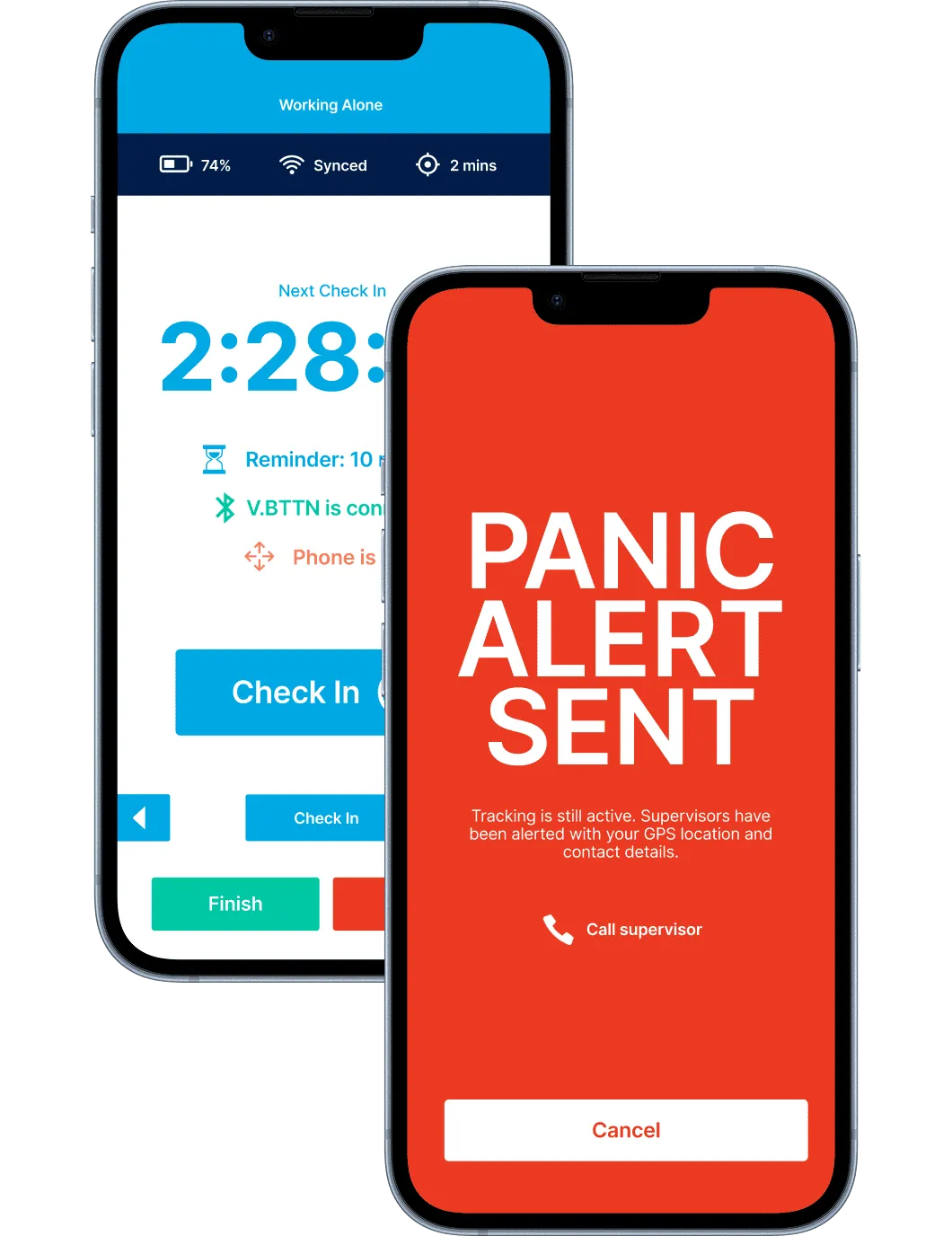
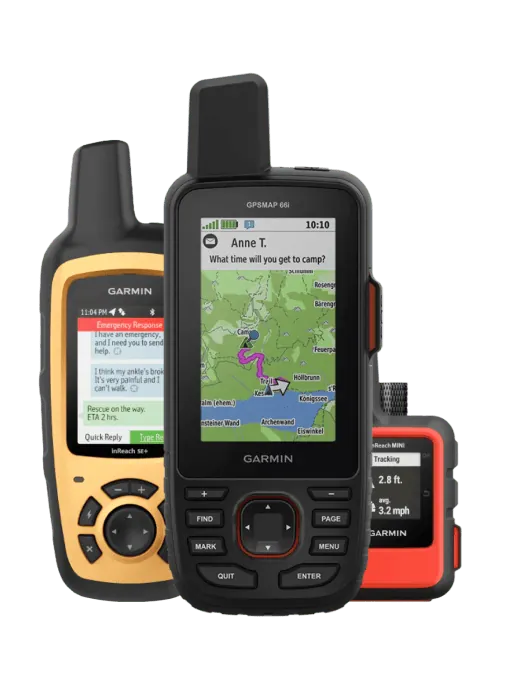
Two-way communication and SOS alerts that work in and out of coverage.
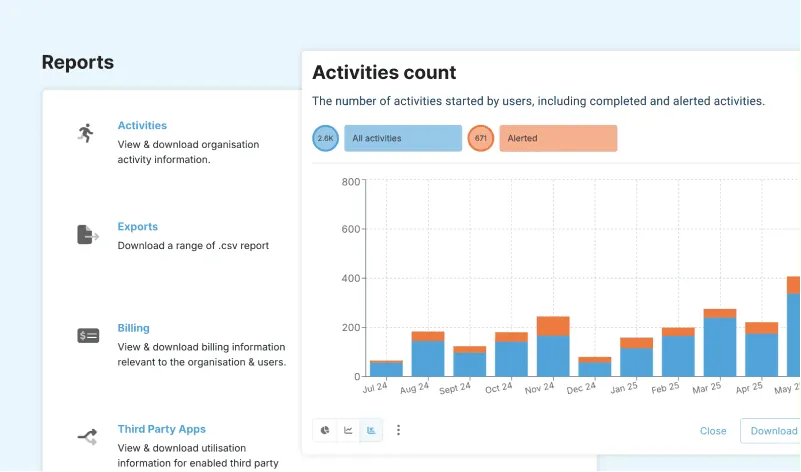
Reporting
Capture hazard data and activity updates in real time, giving managers instant visibility into safety performance.
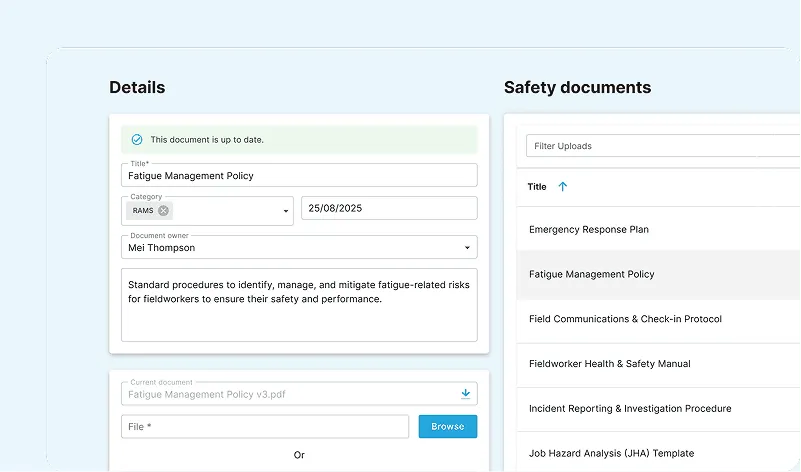
Compliance built-in
Full audit trails, reports, and documentation automatically logged for effortless compliance.
See all features
Explore the full platform to see how GetHomeSafe fits your team.
See why organisations trust GetHomeSafe
500+ organisations worldwide trust GetHomeSafe to keep remote workers safe in real time.
"The app provides peace of mind that we will be alerted if activities don’t go to plan. The GHS team are fantastic to deal with and it is great to see the app continually evolving."
"GetHomeSafe provides team members the peace of mind to perform their job functions while alone, in confined spaces, or elevated with fall protection. We are big fans of GetHomeSafe."
"Utilising technology such as Get Home Safe is definitely a way to improve safety for our care professionals and is easily demonstrated to the regulator as well, which is highly beneficial when it comes to our inspections."
"We want our people each to know that they are never really on their own. GetHomeSafe helps us reassure them that we are looking after them."
"Our team really enjoys using GetHomeSafe. It’s easy to use, field staff know they have someone watching out for them, and team leaders know their team is ok."
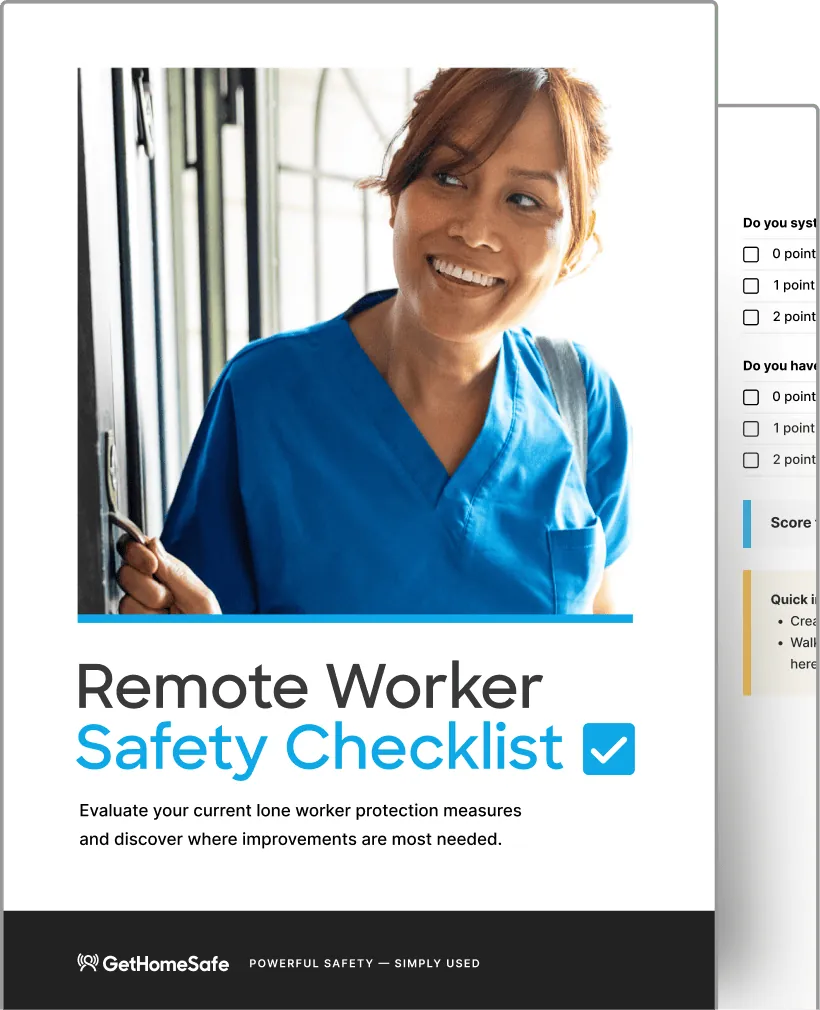
How safe is your current remote team process?
Download our 2026 Remote Worker Safety Checklist to see where your current processes fall short.
Frequently asked questions
Lone worker monitoring is technology that helps organisations track the safety and wellbeing of employees who work alone, remotely, or in high-risk environments. It typically includes automated check-ins, real-time location tracking while an activity is running, and SOS alerting, so a missed check-in or emergency triggers an immediate response. Platforms like GetHomeSafe also add journey management, risk profiles and compliance reporting.
Workers check in at set intervals via an app or one of 20+ compatible devices, confirming they're safe. If a check-in is missed or an SOS is triggered, including a discreet duress alert for situations where drawing attention would be unsafe, the system automatically alerts a supervisor or monitoring team, who can then respond or escalate. See how GetHomeSafe’s check-in and escalation flow works in more detail.
Yes, the better lone worker platforms are built to keep working even out of cellular coverage, using satellite-to-mobile technology and offline-capable devices so teams stay protected in remote areas. GetHomeSafe’s out-of-coverage monitoring is designed specifically for this, with no signal required to raise an alert.
A dynamic risk assessment is an ongoing evaluation of risk that updates as conditions change, such as location, weather, time of day, or task type, rather than a static, one-off form filled in before a job starts. It matters because lone and field workers often face risks that shift throughout the day, not just at the start. GetHomeSafe’s dynamic risk assessment tool prompts workers to reassess risk in real-time as circumstances and job sites change.
GetHomeSafe is SOC 2 Type ll compliant, meaning our security, availability and confidentiality controls have been independently audited over time, not just assessed at a single point. We back this with a 99.95% uptime SLA and data residency options across AU, CA and the UK. Visit out Trust Center for a full audit report, security documentation, and compliance details.
Getting started depends on your team size. For teams of 10 or more with more complex safety and compliance needs, we recommend booking a demo so we can tailor the setup to your risk profile and workflows. For teams under 10, a free trial is a fast way to get check-ins and alerts running with minimal setup.