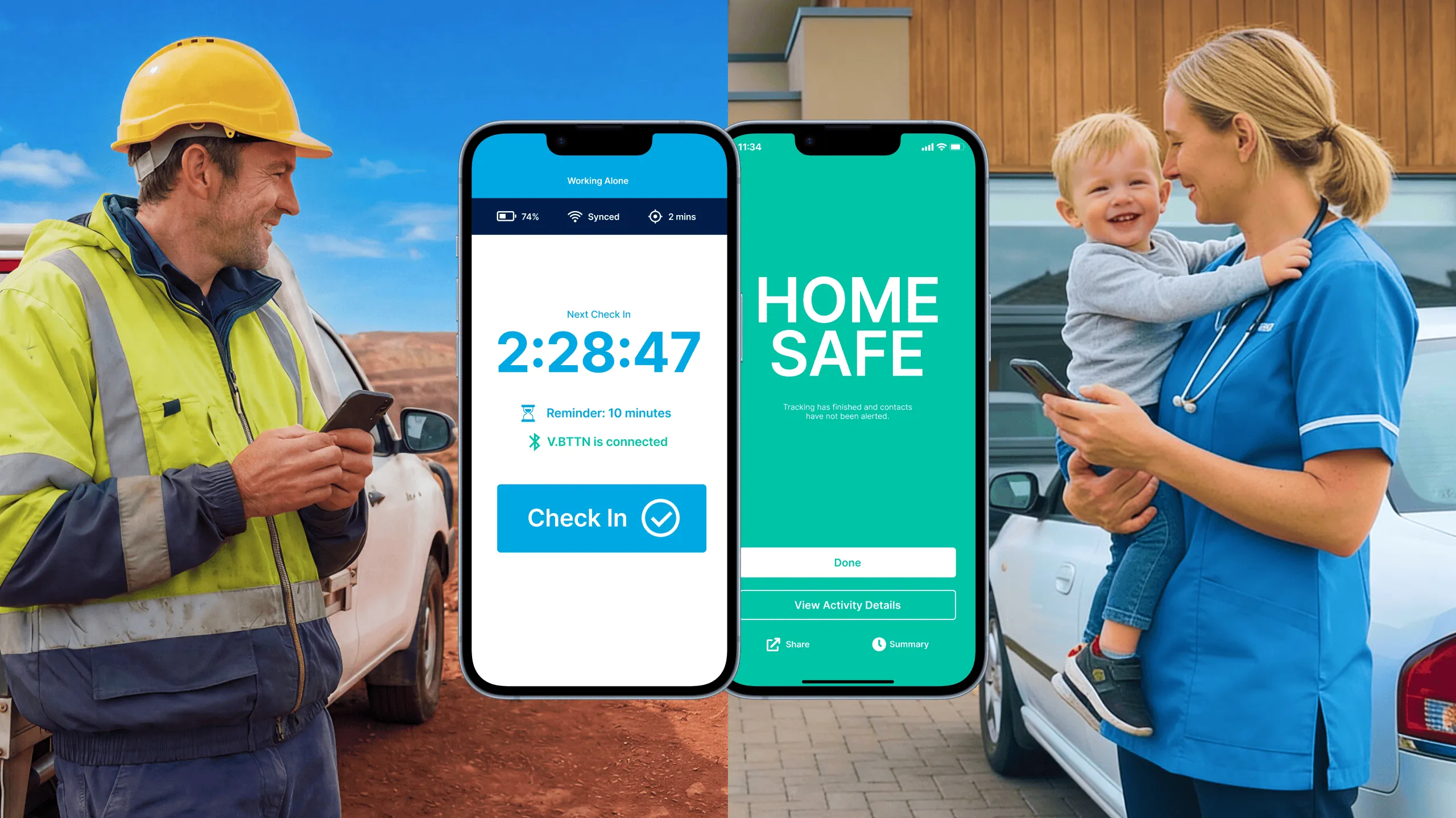
Streamline your field operations: Introducing Multiple Sites (beta)
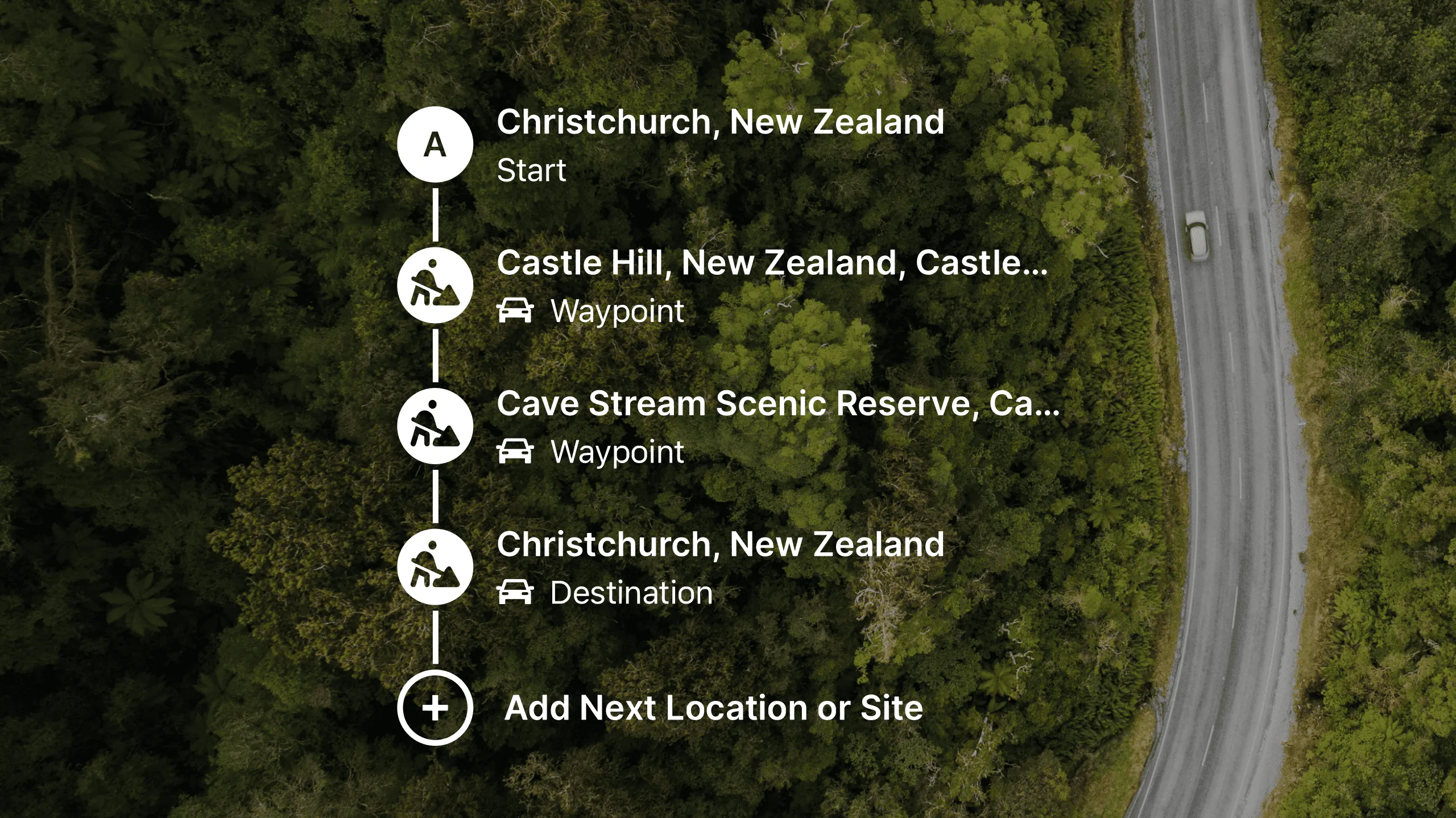

For fieldworkers, the workday is rarely about visiting just one location. It is a dynamic mix of travel, site visits, unexpected detours, and shifting priorities.
Until now, managing safety across a multi-stop day often meant repeating the same admin steps over and over: start a journey, arrive, stop the journey, start a site activity, complete the work, then repeat for the next location.
Safety software should work the way field teams work: fluidly.
That is why we are introducing Multiple Sites (beta) for organisations using our Fieldworker and Journey & Planning modules.
The new workflow: one activity, one day
Multiple Sites lets users combine an entire day of travel and site work into a single running activity. By unifying journey planning and site management, it removes friction between "getting there" and "working there."
What Multiple Sites unlocks
1) Eliminate admin fatigue
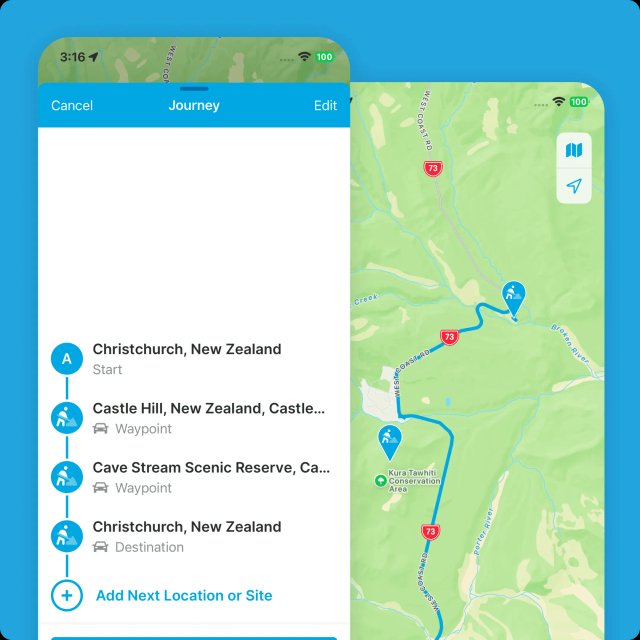
Fieldworkers can plan their full route at the start of the day, add all planned stops to one list, and save that activity to favourites.
That means less tapping, less admin overhead, and more time focused on the job.
2) Clearer intentions and better team visibility
Communication is critical for safety, but no one wants to send manual updates every time they leave for the next site.
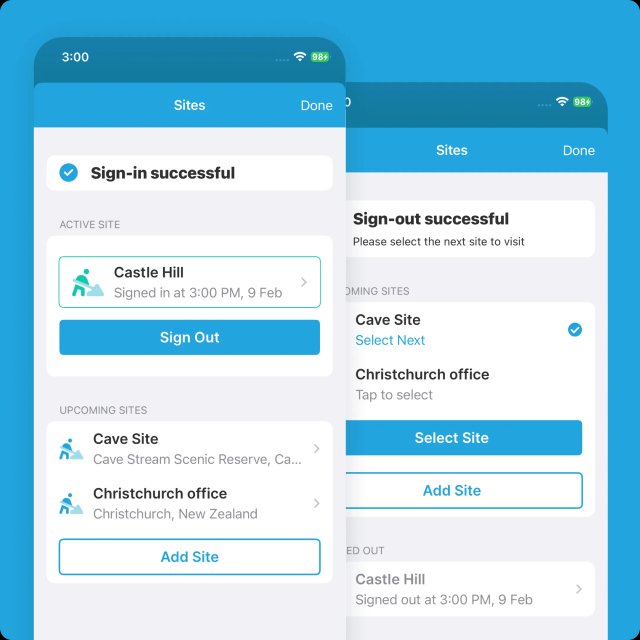
With Multiple Sites, users can select the next destination while travelling. Their status updates immediately, so team leaders can see where they are heading before they arrive and sign in.
3) Context-aware safety protocols
Safety requirements change by location, and Multiple Sites adapts automatically:
- On sign-in: that site's contacts are attached as alert receivers
- On sign-out: those contacts are detached when travelling to the next stop
If an alert is triggered, it reaches the right people at the right time, based on where the worker actually is.
4) Real-time flexibility when plans change
Even with great planning, field days evolve.
Users can add or remove site waypoints mid-activity and tap any site to view details before arrival. From the site overview, they can also adjust site contacts for that specific visit if needed.
Ready to try it?
Multiple Sites is currently in beta.
If your organisation uses both the Journey & Planning and Fieldworker add-ons and you want to simplify multi-stop operations, contact us at product@gethomesafe.com to request access.
Ready to simplify multi-stop field operations?
Run a full day of travel and site work in one activity with better visibility and fewer admin tasks.